Updating My Crew or Location Profile
Film London’s new crew profile features richer data points and advanced filters, helping film producers quickly discover, compare, and select ideal London filming crew with greater precision.
1 LOGIN
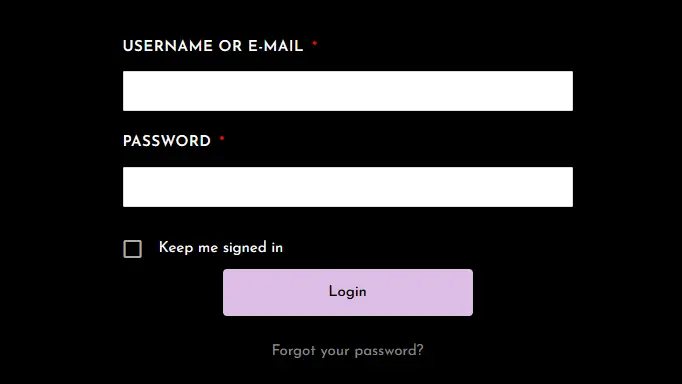
LOGIN to the Film London, secure, staging website with your login credentials. Click ‘FORGOT PASSWORD?’ to reset your password.
The button below will open the login page in a new tab, incase you need to refer back to this page.
2 Edit
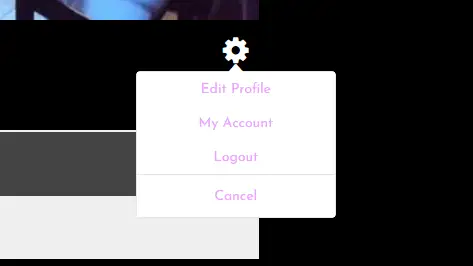
After login, click the ‘GEAR’ icon and select ‘EDIT PROFILE’ .
3 Update
Once you’ve entered your profile, take a moment to review your information and update any details that need attention. We’ve added a lot more information in this new version, so be sure to FILL OUT AS MUCH AS POSSIBLE to make your profile stand out.
* Location Profiles: TO ADD PHOTOS, click on the ‘PHOTOS’ TAB and select an existing album, then the gear icon, and select EDIT ALBUM. Or select ‘NEW ALBUM’ and follow the prompts. When you’re done, just click ‘UPDATE PROFILE’.
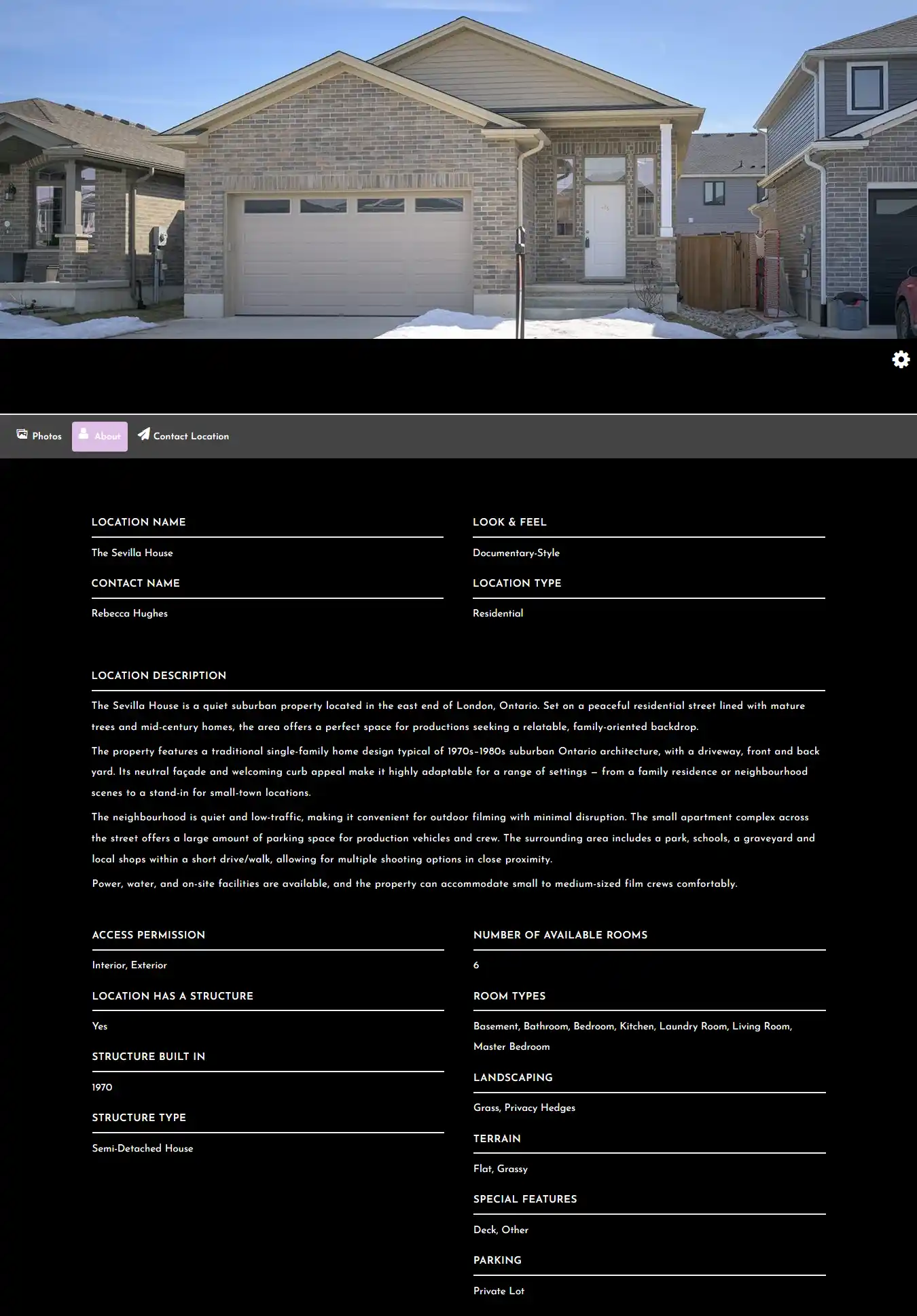
Location Profile Preview
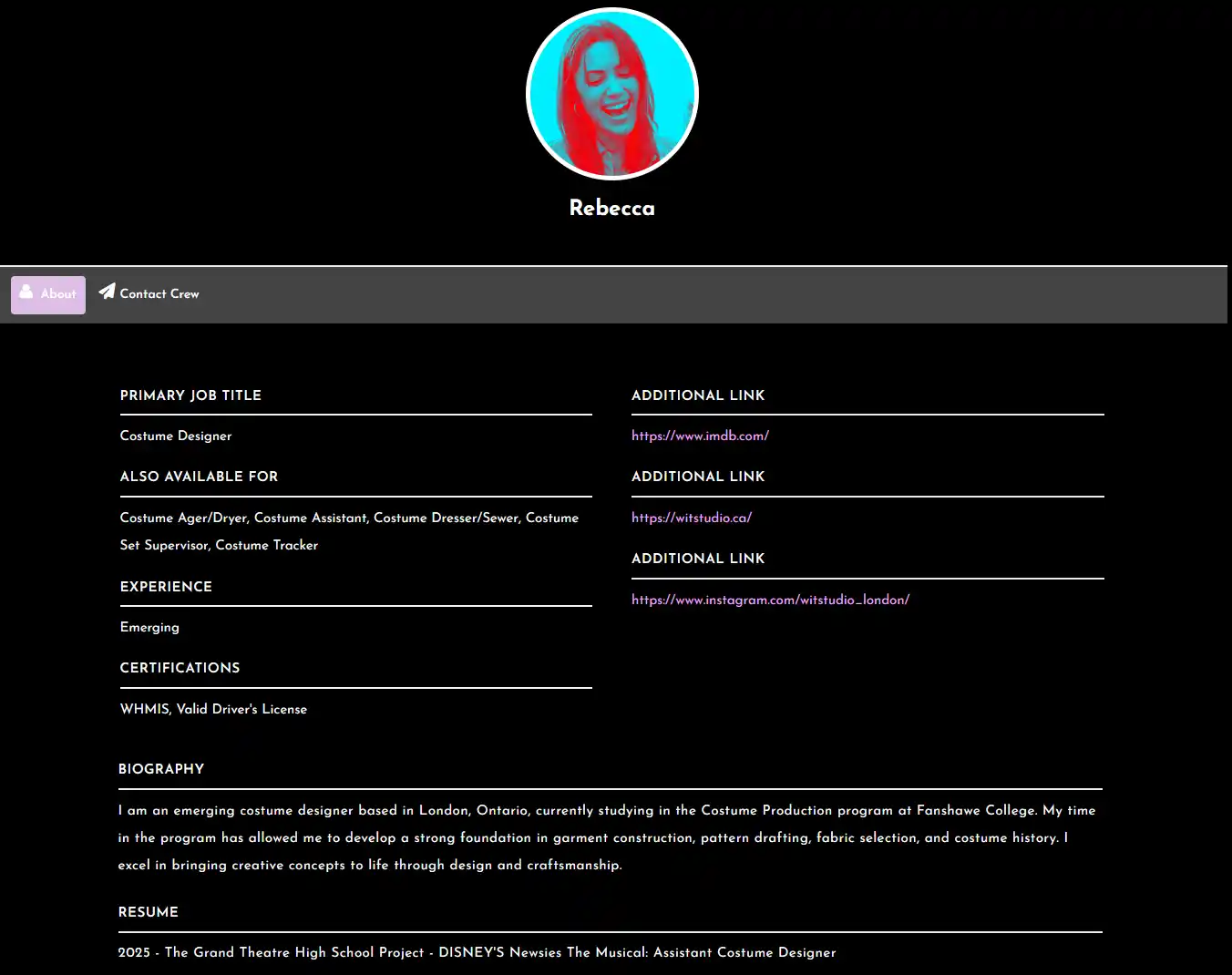
Crew Profile Preview
Deleting My Profile
We’re sorry to see you go!
1 LOGIN
LOGIN to the Film London, secure, staging website with your login credentials. Click ‘FORGOT PASSWORD?’ to reset your password.
2 Edit
After login, click the ‘GEAR’ icon and select ‘MY ACCOUNT’ .
3 Delete
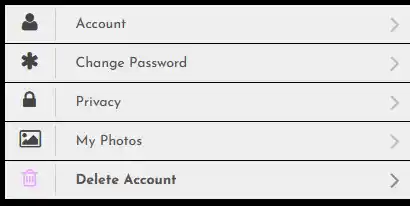
Select ‘DELETE ACCOUNT’ from the ‘ACCOUNT MENU’, Enter your password and click the ‘DELETE ACCOUNT BUTTON’